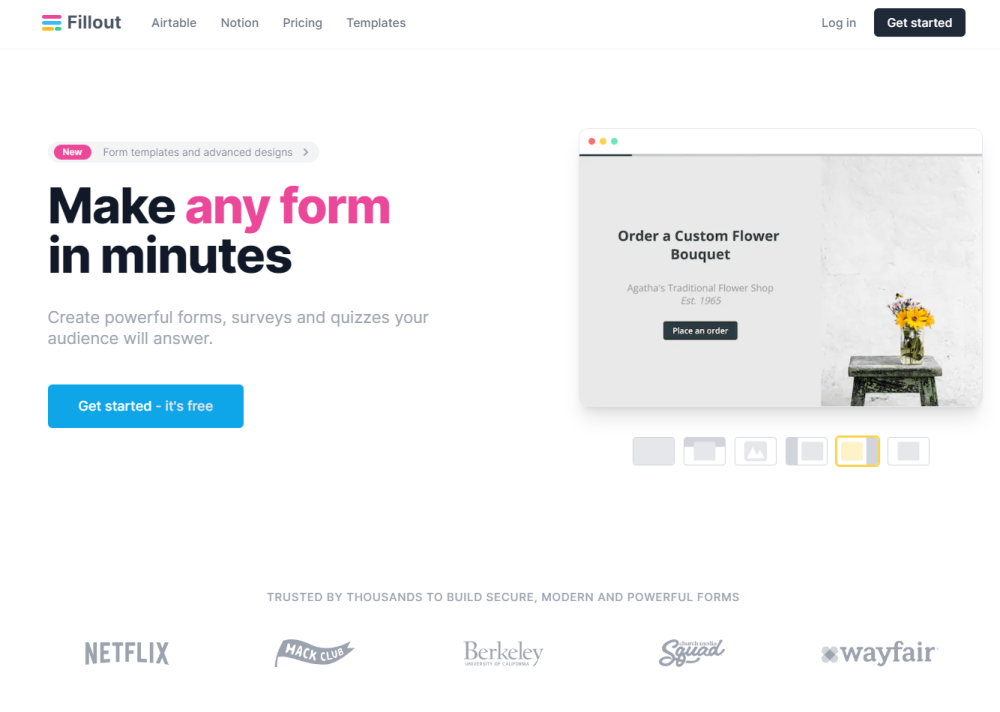
Fillout.com
"Fillout is a customizable tool for creating forms and collecting responses."
Giới thiệu
Fillout is a powerful form, survey, and quiz builder that allows you to create customized forms and collect responses from your audience. It offers integrations with various platforms, such as Notion, Airtable, Salesforce, Google Sheets, and more.
Tính năng nổi bật
Some of the core features of Fillout include: - 40+ highly customizable question types - Integration with popular platforms like Notion, Airtable, and Salesforce - Acceptance of payments through Stripe - Multi-page forms - Powerful conditional logic - Secure collection of personal information like PII - Legally binding e-signatures - Captcha verification for human respondents - Real-time autocomplete with the Google Maps API - Collection of domestic or international phone numbers
Câu hỏi thường gặp
What is Fillout.com?
Fillout is a powerful form, survey, and quiz builder that allows you to create customized forms and collect responses from your audience. It offers integrations with various platforms, such as Notion, Airtable, Salesforce, Google Sheets, and more.
How to use Fillout.com?
To use Fillout, simply connect your database or choose to store responses in Fillout. Then, use the drag and drop feature to add and customize questions for your form. Once you're done, you can share the form by generating a link or embedding it on your website or app. You can also take advantage of advanced features like accepting payments, creating multi-page forms, and implementing conditional logic.
Trường hợp sử dụng
- •Fillout is suitable for a variety of use cases, including: - Collecting data for research or surveys - Creating registration forms or membership applications - Gathering feedback from customers or employees - Conducting quizzes or assessments - Accepting online payments for services or products - Managing event RSVPs - Implementing conditional logic for personalized forms