Creative Fabrica
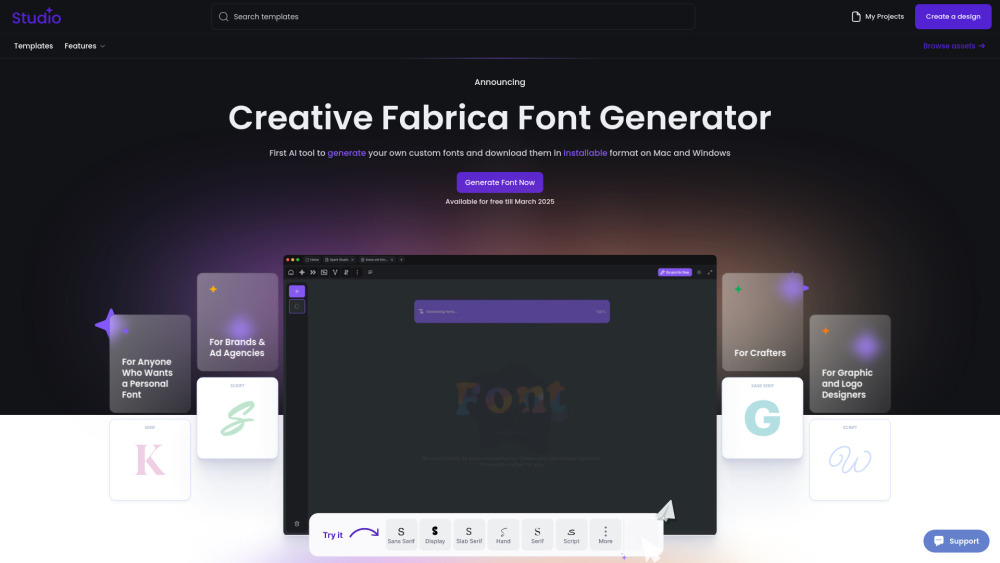
Revolutionize your font creation process with the first AI-powered tool to customize and download fonts for Mac and Windows in an installable format.
Giới thiệu
A different realm, a different era. Our AI Font Generator utilizes generative AI to produce fresh fonts for download and installation, revolutionizing font creation. By democratizing font design, we invigorate contemporary creativity, enabling users to personalize our fonts to suit their distinct concepts and requirements.
Đánh giá chi tiết
Creative Fabrica Review:
As a creative designer, I have been using Creative Fabrica for a while now, and I must say it has truly transformed my work process. The wide range of fonts, graphics, and templates available on the platform has helped me bring my ideas to life in ways I never thought possible. The user-friendly interface makes it easy to navigate and find exactly what I need for my projects. Plus, the quality of the assets is top-notch, giving my designs a professional edge. I highly recommend Creative Fabrica to anyone looking to elevate their creative projects!
Câu hỏi thường gặp
What is Creative Fabrica?
"Not another tool. Another world. Another Future. Our AI Font Generator uses generative AI to create brand-new fonts that you can download and install, making it a game-changer in font creation. We believe that making font design more open and accessible brings new energy to modern creativity. This way, anyone can customize and adapt our fonts to fit their unique ideas and needs."
How to use Creative Fabrica?
How to Use Creative Fabrica Font Generator: 1.Go to the website – Open Creative Fabrica Font Generator. 2.Enter your text – Type in the word or phrase you want to style. 3.Choose a font – Browse through the automatically generated styles. 4.Customize if needed – Adjust bold, italic, or size if available. 5.Copy & paste – Click on your favorite style to copy and use it anywhere. 6.Explore more – Click "Load more" for additional styles. Perfect for social media, designs, and creative text!